
Record the relationship between two dogs.
Save an assessment and practical notes for the pair, alongside compatible, caution or keep-separate guidance.
Refer to your team’s assessments when arranging introductions, walks and shared care.
See it in action Included in every plan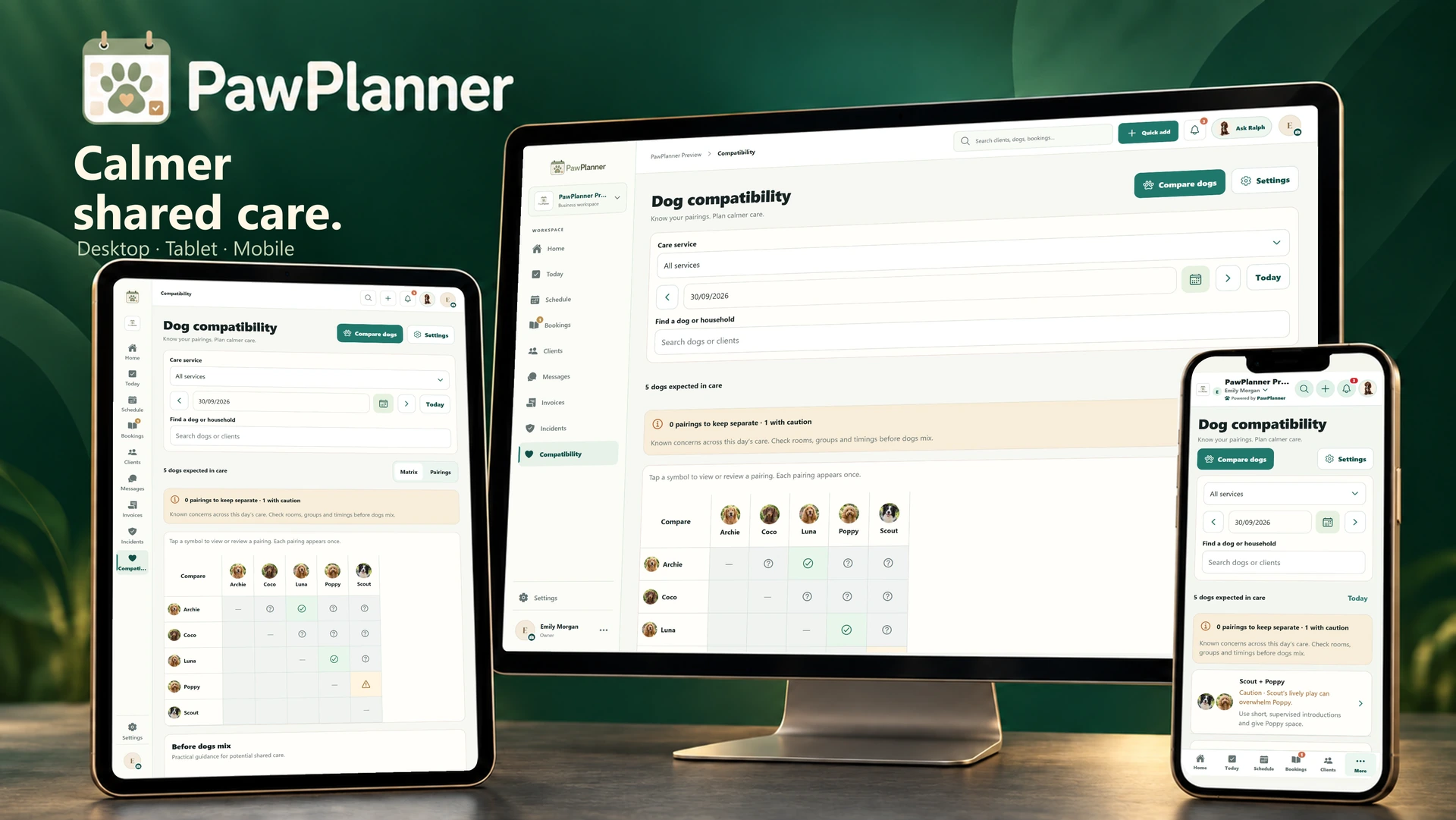
Choose a device and enlarge any screen to explore the details.
Actual app screens · example data
Save an assessment and practical notes for the pair, alongside compatible, caution or keep-separate guidance.
See relevant assessments for dogs whose bookings overlap. Revisit observations as circumstances change; staff decide how to introduce dogs and arrange shared care.
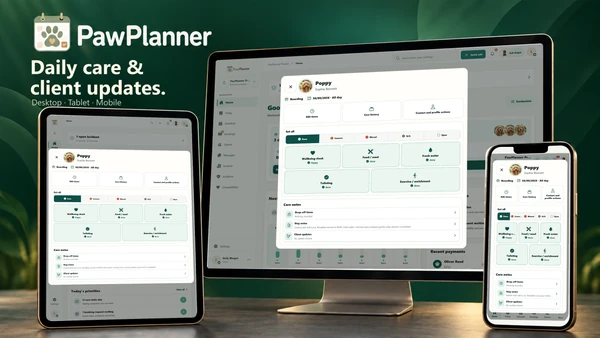 Daily care & photo updates
Log everyday care, prepare a handover and share a glimpse of the day with owners.
Explore daily care & photo updates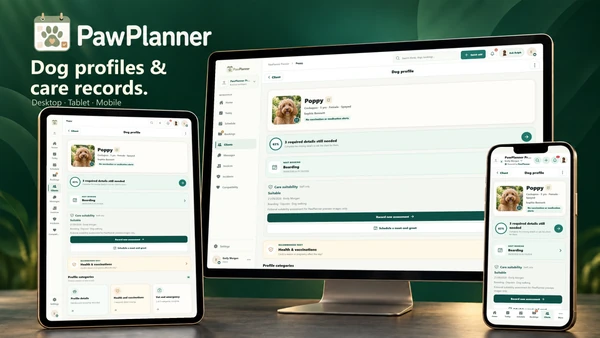 Dog profiles & health records
Health, behaviour and everyday routines are ready for your whole care team to review.
Explore dog profiles & health records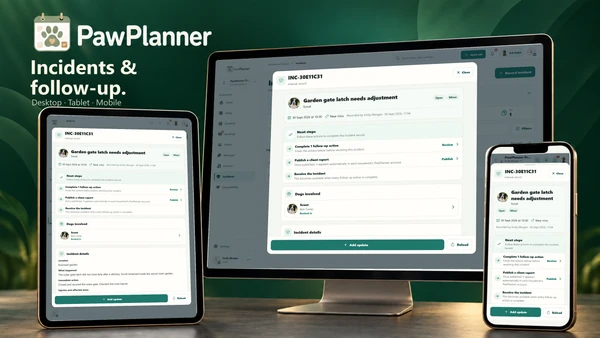 Incident records & follow-up
Document an incident, assign follow-up actions and prepare the information to share with the owner.
Explore incident records & follow-upTake a closer look at PawPlanner for your business.