
A straightforward path from invoice to paid.
From a branded PDF to the final instalment, give clients a simple way to pay and follow every payment.
See it in action Included in every plan Deposits & payment plans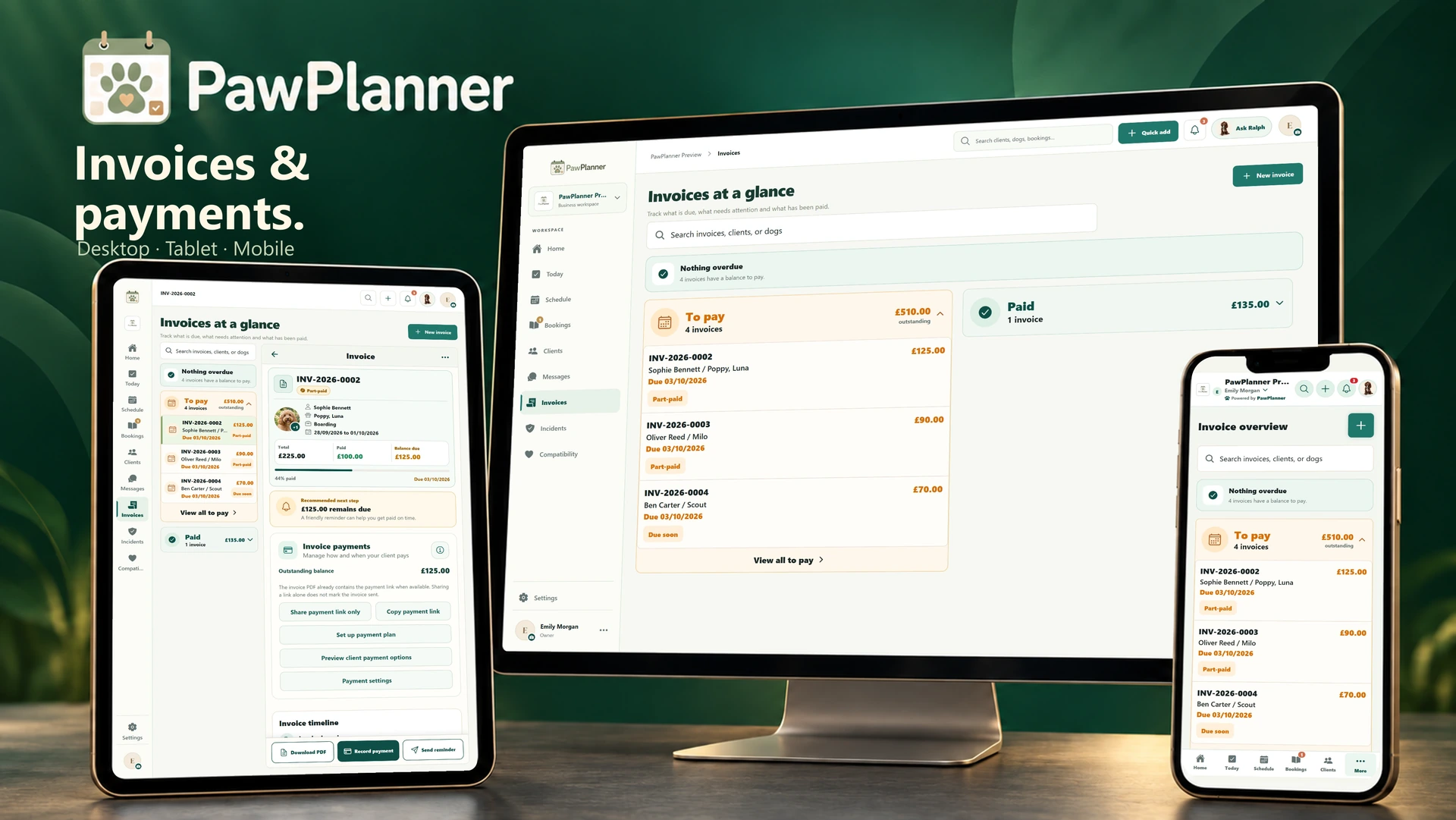
- Branded PDFs and shared payment links.
- Deposits and flexible instalment schedules.
- Stripe card payments and recorded offline payments.
- Automatic reminders, credits and refunds.
A deposit now.
Clear instalments ahead.
Agree a deposit and spread the remaining balance over instalments on one invoice.
Your amounts. Your due dates.
Start with equal monthly instalments, then adjust unpaid amounts and dates to suit the arrangement.
The schedule, wherever clients need it.
Clients see the next amount and due date in their app, payment link and newly downloaded PDF.
Progress you can follow.
Received payments reduce the balance and update the remaining instalments.
Clients make each payment themselves; the plan does not automatically charge their card. You can also allow a different card payment amount.
One £225 stay. Three £75 payments.
Fictional boarding example · before any payments are received.
- Total outstanding
- £225.00
- Next payment
- £75.00Due 3 Oct 2026
- Booking deposit3 Oct 2026 · Next payment£75
- First instalment6 Oct 2026£75
- Final balance8 Oct 2026£75
After the £75 deposit is received, £150 remains and the next £75 instalment is due on 6 October.
Open this example PDF in a new tabExplore automatic remindersSee it in PawPlanner.
Choose a device and enlarge any screen to explore the details.
Actual app screens · example data
Professional invoices.
Ready to send.
Download a branded PDF with dogs, care dates and itemised charges. Send it by PawPlanner email or your device’s sharing options, with a payment link included when available.
Genuine app-generated PDFs from our fictional preview business. Payment options depend on your business settings; these examples are for viewing only.
Let clients choose how to pay.
The payment link shows the latest balance and your enabled methods. Card payments are available when Stripe is connected and enabled, including the next instalment or full balance. A payment plan does not automatically charge cards. Bank transfers and cash appear after your team records them.
Handle changes with a payment history.
Cancellation, credit and refund workflows retain the booking and invoice history, so your team can see what was charged, received and returned.
Payment reminders that know what’s due.
Enable business-branded reminder emails for sent invoices, including the next unpaid instalment.
A nudge before the due date.
The reminder links to payment options. PawPlanner checks the current balance before sending.
A follow-up when it’s needed.
Choose an additional reminder for a payment still outstanding the day after it was due.
A confirmation for their records.
Successful online payments can send the client a payment confirmation.
Choose reminders in Automated emails. Timed reminders run at 09:00 in your business timezone and respect client reminder preferences.
See your daily operations emailWorks well with…
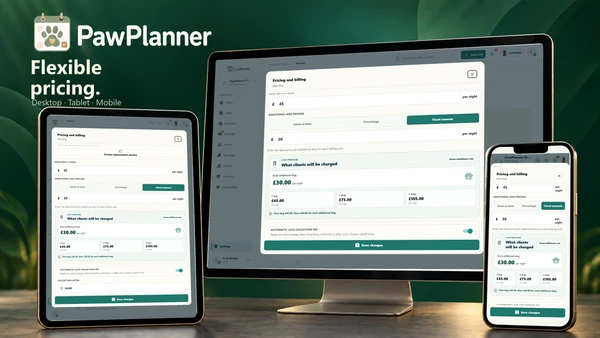 Flexible pricing
Prices that fit the care you offer.
Price the care you offer, including additional dogs, holiday rates and extras.
Explore flexible pricing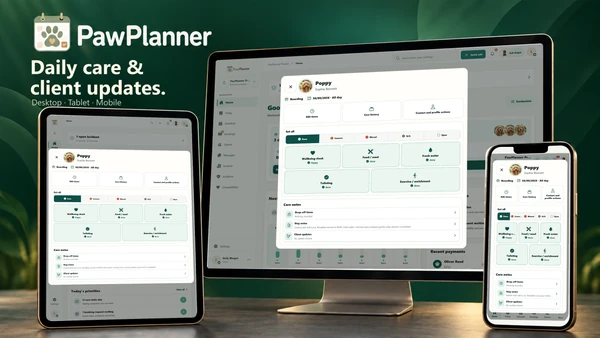 Daily care & photo updates
Follow the day. Record the care.
Log everyday care, prepare a handover and share a glimpse of the day with owners.
Explore daily care & photo updates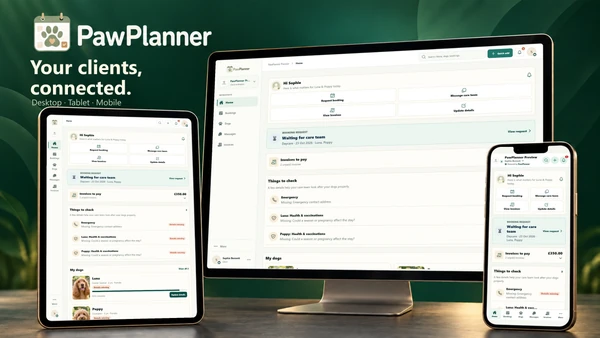 The client app
A familiar home for every owner.
Give owners a convenient way to request care, update dog details and pay invoices with your business.
Explore the client appMore room for the care.
Less room for the admin.
Take a closer look at PawPlanner for your business.