
Put a price in front of the client.
Build a quote around the dogs, dates, extras and any deposit. The client can accept or decline, with their response recorded against the quote.
Agree the price, review the request and confirm care when you’re ready.
See it in action Included in every plan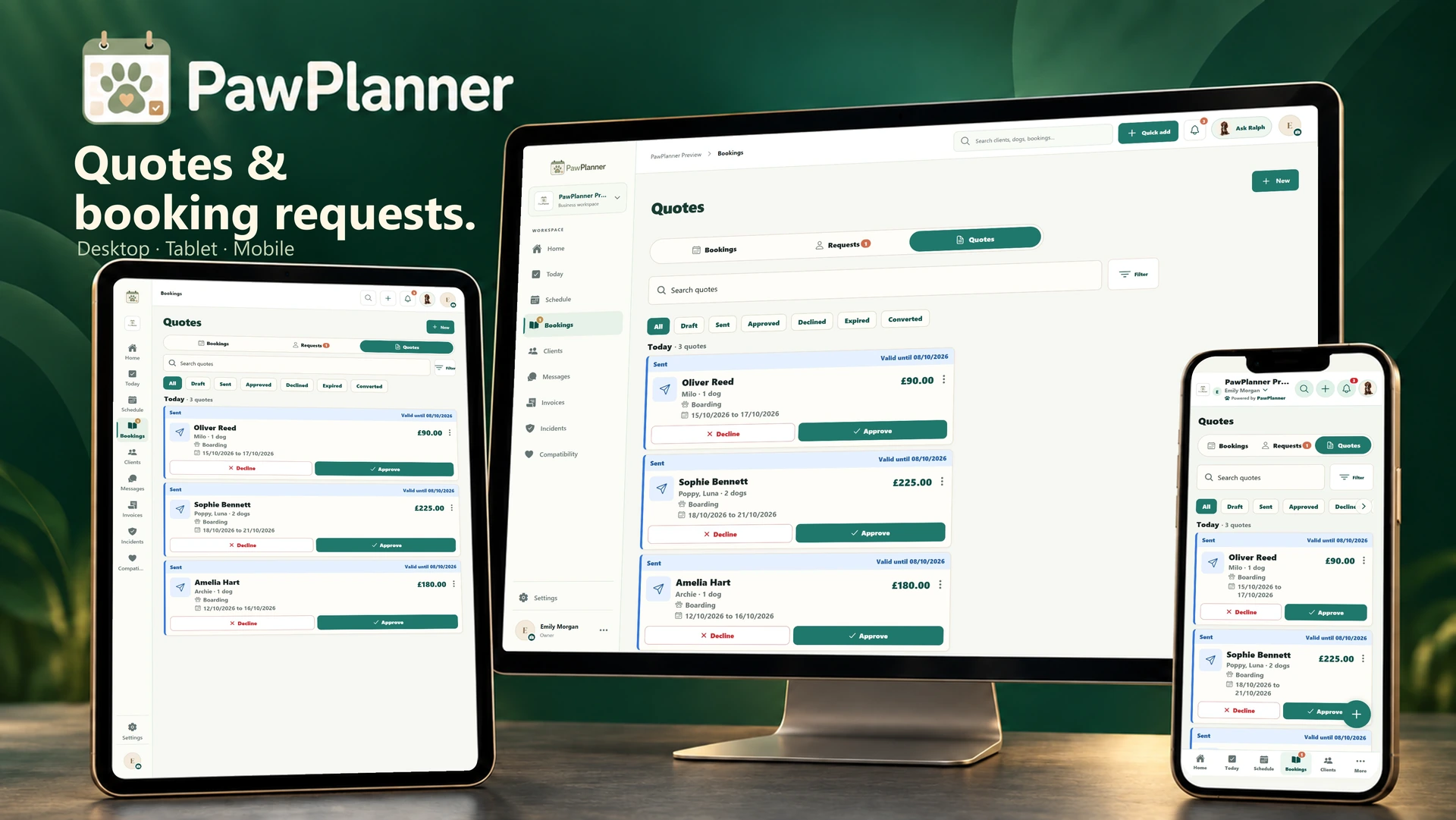
Choose a device and enlarge any screen to explore the details.
Actual app screens · example data
Build a quote around the dogs, dates, extras and any deposit. The client can accept or decline, with their response recorded against the quote.
Check a client’s request against availability, care information and pricing. A place is confirmed by your business after review.
Convert an accepted quote into bookings or review a proposed booking change. Business email alerts flag new requests and accepted quotes; an optional reminder follows up the day before an unanswered quote expires.
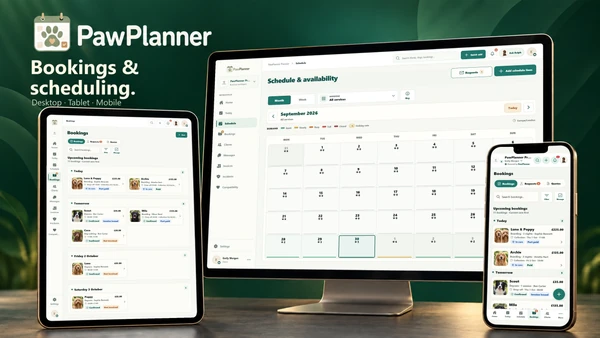 Bookings & scheduling
See your diary at a glance, with the next arrival or collection ready when you need it.
Explore bookings & scheduling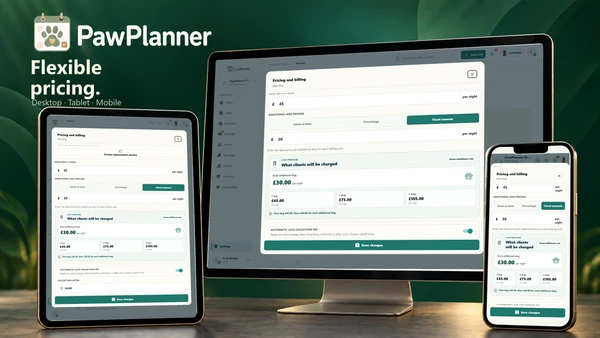 Flexible pricing
Price the care you offer, including additional dogs, holiday rates and extras.
Explore flexible pricing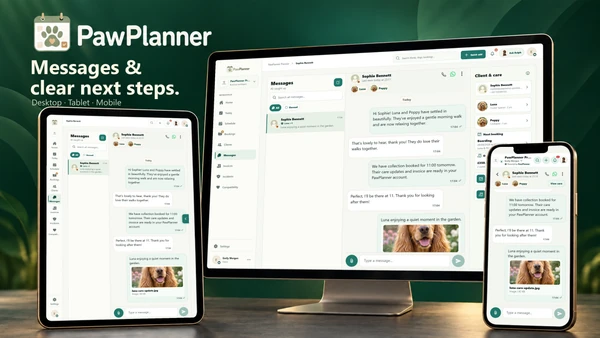 Messaging & notifications
Message the right household and go straight from a notification to the task that needs a response.
Explore messaging & notificationsTake a closer look at PawPlanner for your business.