Talk to the right household.
Send messages and photos with the client’s bookings and invoices close to hand.
Message the right household and go straight from a notification to the task that needs a response.
See it in action Included in every plan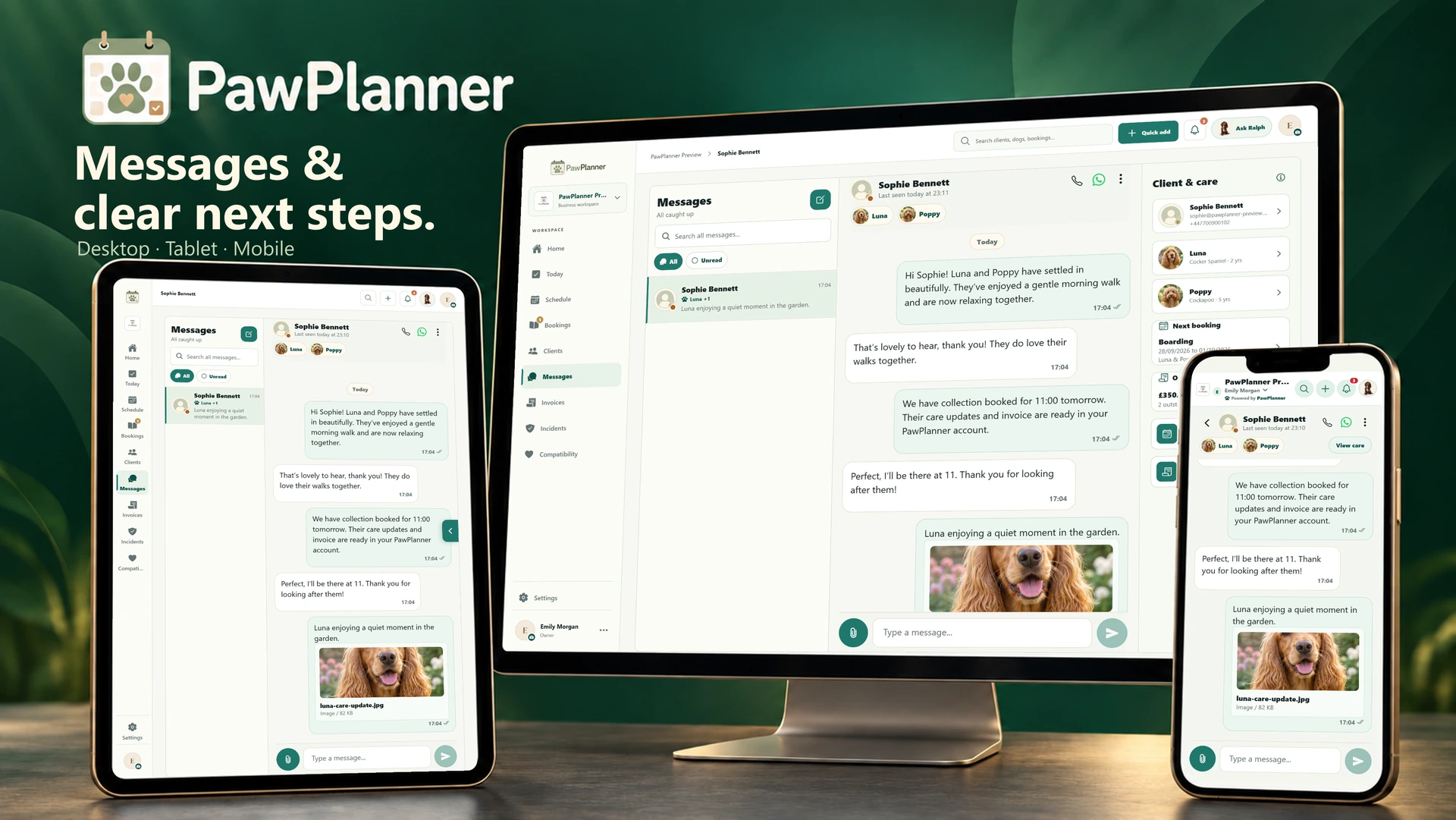
Choose a device and enlarge any screen to explore the details.
Actual app screens · example data
Send messages and photos with the client’s bookings and invoices close to hand.
Messages, booking requests and reviews open their relevant task. Routine profile gaps have a separate place in Care details so they don’t crowd operational activity.
Enable client emails for booking changes, invoices and information requests. Business recipients can receive alerts for new requests, accepted quotes, submitted care information and serious incidents. Manage categories and delivery history in settings.
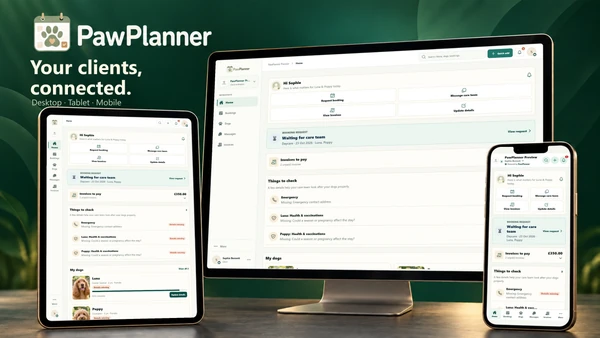 The client app
Give owners a convenient way to request care, update dog details and pay invoices with your business.
Explore the client app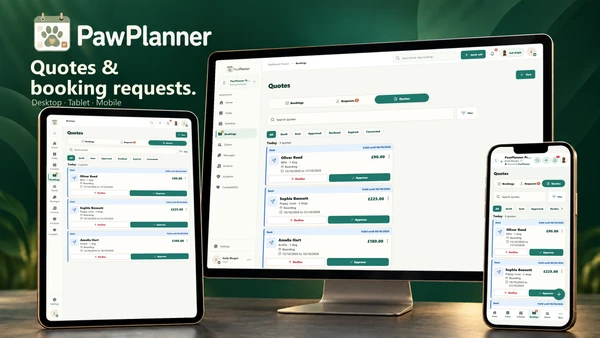 Quotes & booking requests
Agree the price, review the request and confirm care when you’re ready.
Explore quotes & booking requests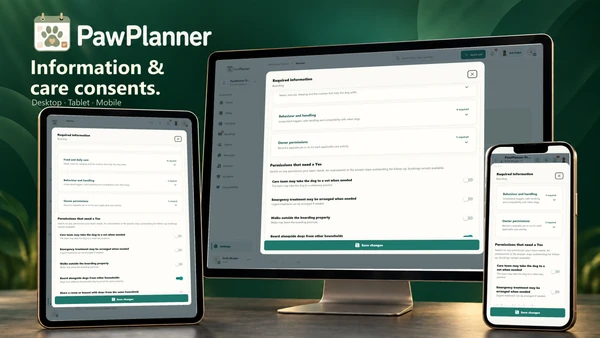 Required information & consents
Choose what each service needs, then request the exact details or permissions still outstanding.
Explore required information & consentsTake a closer look at PawPlanner for your business.