
Start with how you provide care.
Choose services, prices and the questions or permissions each service needs. Guided onboarding includes required consents from the beginning.
Start with guided setup, then add your team and connect the tools you use.
See it in action Included in every plan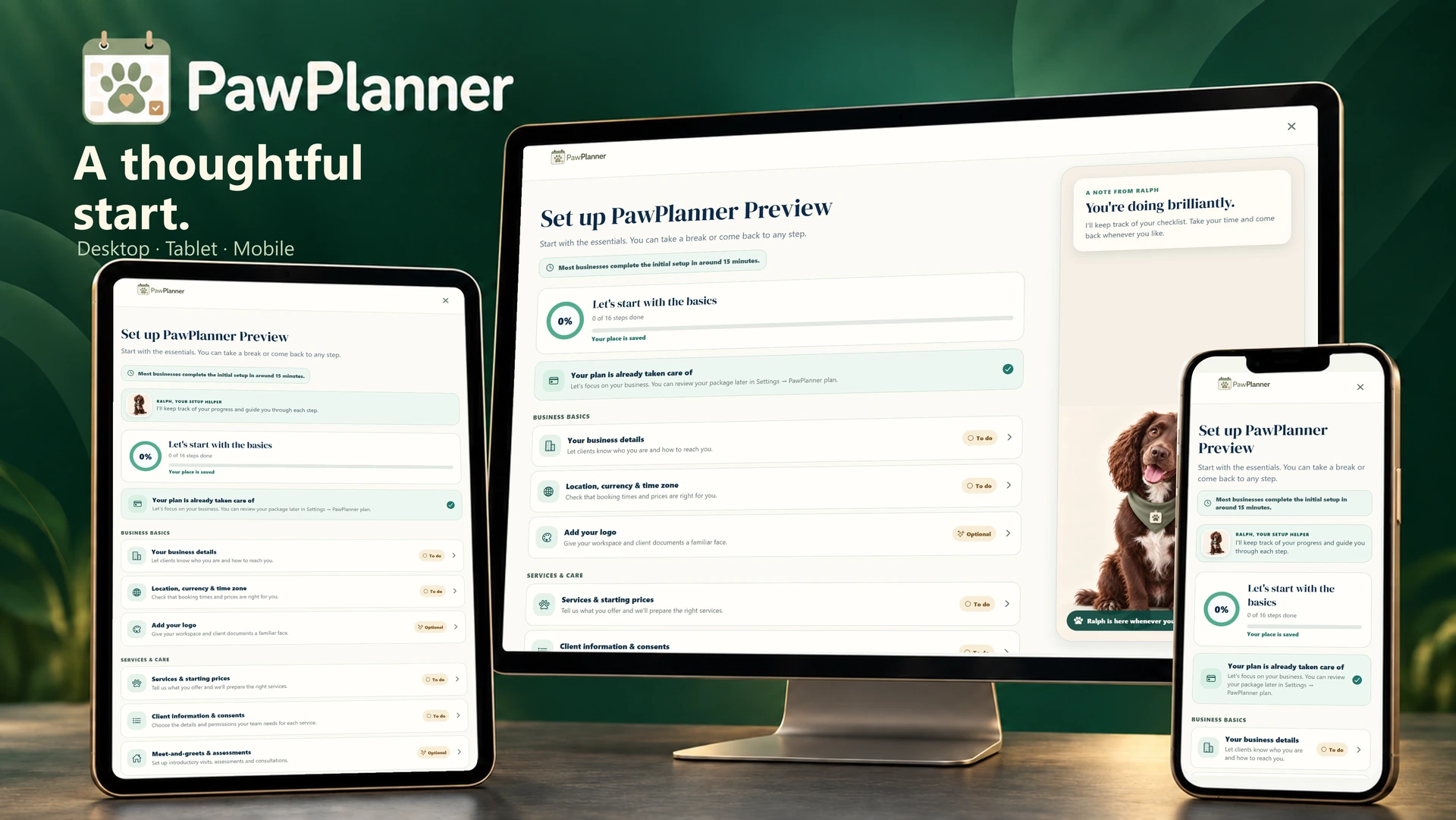
Choose a device and enlarge any screen to explore the details.
Actual app screens · example data
Choose services, prices and the questions or permissions each service needs. Guided onboarding includes required consents from the beginning.
Import existing clients and dogs, invite owners and give staff access to your business workspace.
Connect your Google account to see care bookings alongside the rest of your day in a separate PawPlanner calendar.
Sync runs from PawPlanner to Google Calendar. Make booking changes in PawPlanner; your primary Google calendar stays untouched.
Confirmed care, changes and cancellations sync automatically; cancelled bookings are removed from Google.
Choose to include holidays and availability blocks alongside booked care.
Choose event titles and the client, service and invoice details shown. Set colours for paid, part-paid and unpaid bookings.

Ralph, PawPlanner’s friendly mascot, guides you through setup and everyday tasks inside the app.
His tutorials highlight each next step. Follow at your own pace and reopen a guide whenever you need a refresher.
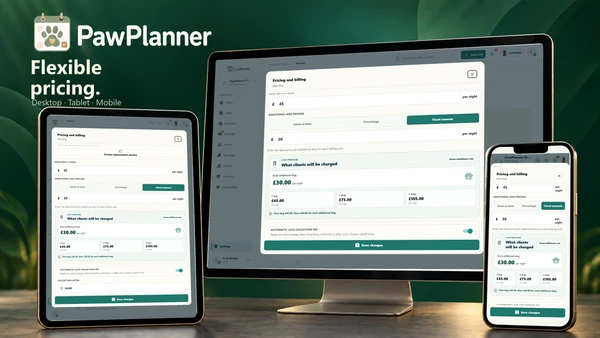 Flexible pricing
Price the care you offer, including additional dogs, holiday rates and extras.
Explore flexible pricing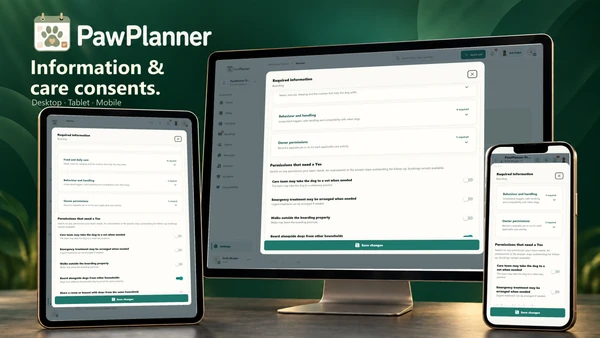 Required information & consents
Choose what each service needs, then request the exact details or permissions still outstanding.
Explore required information & consents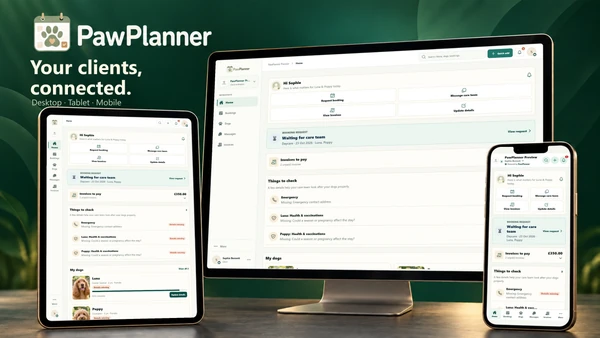 The client app
Give owners a convenient way to request care, update dog details and pay invoices with your business.
Explore the client appTake a closer look at PawPlanner for your business.