
Ask for what the service needs.
Select questions and permissions separately for boarding, daycare or walks. These choices guide profile completion and information requests.
Choose what each service needs, then request the exact details or permissions still outstanding.
See it in action Included in every plan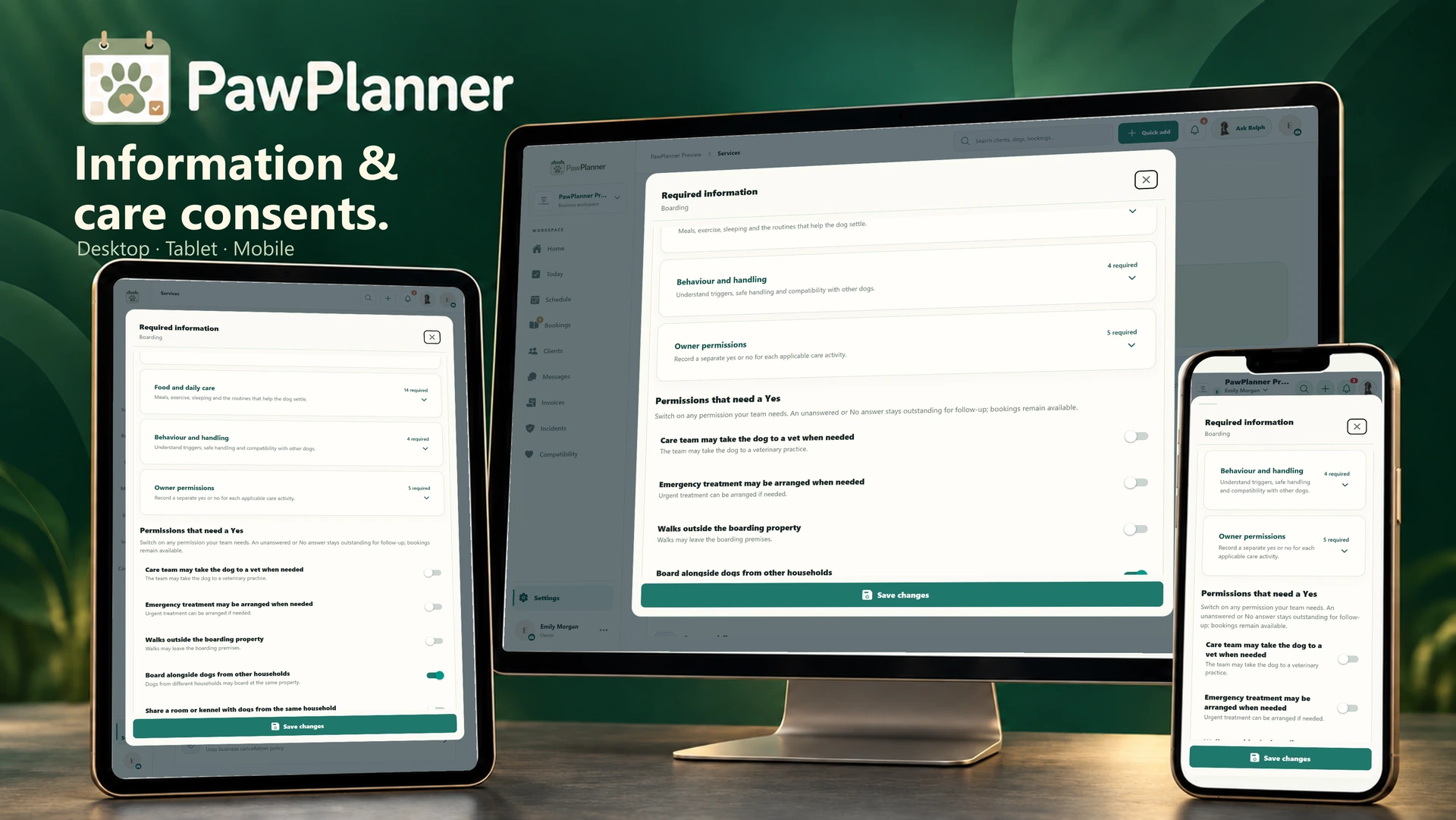
Choose a device and enlarge any screen to explore the details.
Actual app screens · example data
Select questions and permissions separately for boarding, daycare or walks. These choices guide profile completion and information requests.
Mark a permission Consent required when you need a recorded Yes. No or unanswered remains visible to staff without blocking bookings; your team decides how to arrange care.
Requests name the dog and the information needed. Clients can submit their answers, including No. Proposed updates show Awaiting review until your team accepts them.
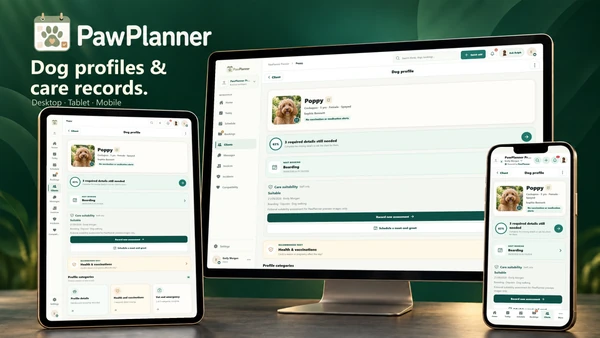 Dog profiles & health records
Health, behaviour and everyday routines are ready for your whole care team to review.
Explore dog profiles & health records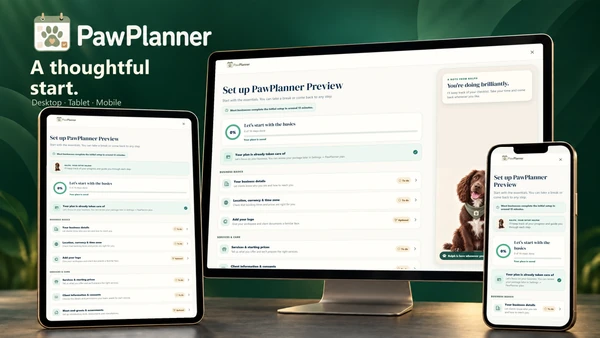 Setup & integrations
Start with guided setup, then add your team and connect the tools you use.
Explore setup & integrations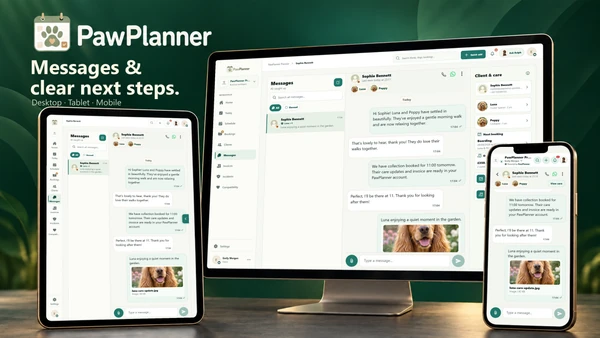 Messaging & notifications
Message the right household and go straight from a notification to the task that needs a response.
Explore messaging & notificationsTake a closer look at PawPlanner for your business.